
Run a Business Internet Speed Test
Speed Test tools help your business understand how well your current internet connection supports daily work. Use this Speed Test page to measure download speed, upload speed, and latency before comparing business fiber internet, hosted PBX, VoIP, or enterprise connectivity options.
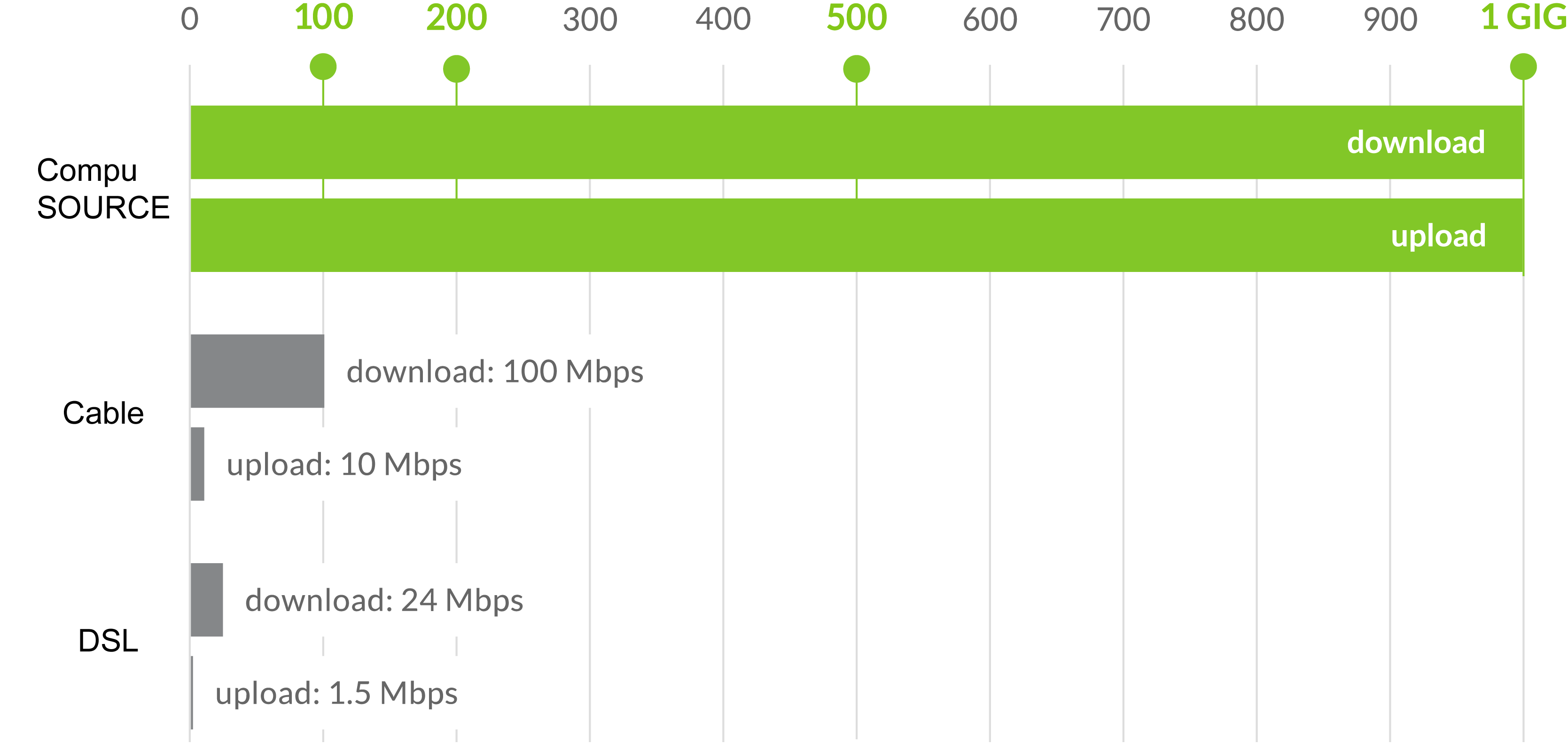
How to Read Speed Test Results
A Speed Test usually reports download speed, upload speed, ping, and sometimes jitter. Download speed affects web browsing, cloud applications, downloads, streaming, and general productivity. Upload speed matters when your business sends large files, runs cloud backups, uses hosted phone service, joins video meetings, or uploads media to online platforms.
Latency, often called ping, measures how quickly data travels between your device and a server. Lower latency helps real-time applications feel responsive, especially VoIP phone calls, video conferencing, remote desktops, and payment systems.
When Your Speed Test Shows a Problem
If your Speed Test results are much lower than expected, run the test more than once and try testing from a wired Ethernet connection. Wi-Fi signal strength, old routers, background backups, and shared bandwidth can all affect results. For additional broadband testing guidance, review the FCC broadband speed guide.
AWBC can help review your current connection and recommend fiber internet, small business internet, enterprise internet, or VoIP phone service.
Get Help After Your Speed Test
If your Speed Test results show slow upload speeds, high latency, or unreliable performance, contact AWBC for a connectivity review. Visit our Contact page or Order Online to request business internet availability, pricing, and installation guidance in South Florida.