
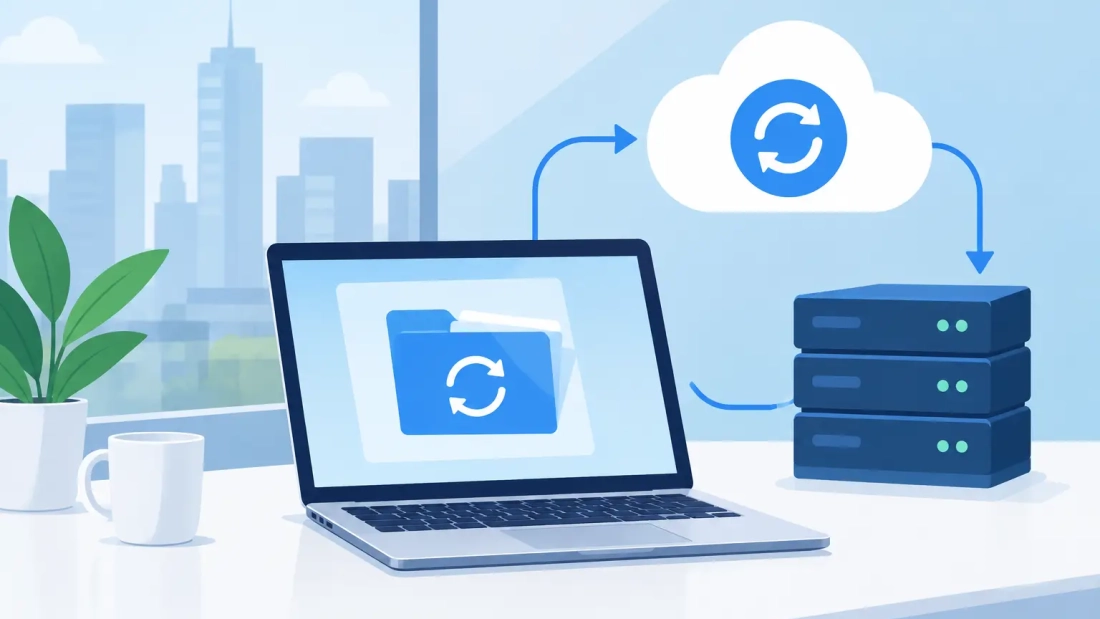
A backup that takes all night is not much help if your team needs a file at 10 a.m. The right business internet for backups determines whether critical data is protected continuously, restored quickly, and kept separate from the traffic that runs your business each day.
For South Florida organizations, backup planning is not only an IT task. It is an operations decision. Accounting platforms, customer records, construction drawings, medical documentation, legal files, and cloud applications all depend on connectivity that can move data reliably in both directions. When upload capacity falls short, backups run late, users feel the slowdown, and recovery becomes harder when time matters most.
Why business internet for backups needs more than download speed
Internet plans are often sold on download speed, but backups are primarily an upload workload. A server, workstation, or network storage device sends copies of files to an off-site backup platform. If your connection has high download speeds but limited upload capacity, that transfer can become the bottleneck.
This is where symmetrical fiber service changes the conversation. With symmetrical speeds, your upload and download capacity are matched. That gives your business more room to send large backup sets without turning video meetings, cloud applications, VoIP calls, or everyday web activity into a frustrating experience.
Consider a firm that needs to upload 500 GB after a major system change. On a connection with limited upload throughput, the first backup can stretch across several days. During that period, the backup may still be incomplete when the next scheduled job begins. A fiber connection with sufficient symmetrical bandwidth can reduce that initial backup window significantly and make ongoing incremental backups far more practical.
Actual results depend on file types, backup software, encryption, compression, network overhead, and the performance of the backup provider’s destination servers. Still, available upload speed is the foundation. Without it, even a well-designed backup platform has to wait on the connection.
Start with recovery expectations, not a speed package
The best connection is not automatically the largest one. It is the one that supports your recovery objectives while leaving capacity for normal operations.
Two questions should guide the discussion. First, how much data can your business afford to lose? This is your recovery point objective, often called RPO. A company that can tolerate losing one day of work may back up nightly. A company processing orders or records throughout the day may need backups every hour or continuous replication.
Second, how quickly must systems be usable after an outage? This is your recovery time objective, or RTO. If a lost server must be restored by the next business day, an overnight cloud download might be acceptable. If the same server must be available within an hour, you may need local recovery hardware, a cloud-based virtual recovery option, or both.
These expectations affect bandwidth requirements. Frequent backups create a steady upload demand. Fast cloud restores create a major download demand. If your business is replicating data between offices or to a hosted environment, symmetrical capacity matters on both ends.
Calculate the backup load your network must carry
A practical review begins with a few numbers: the total amount of protected data, the average amount that changes each day, how often backups run, and the hours when users need the most network capacity.
The initial backup is usually the largest transfer. After that, most systems send only changed files or data blocks. That is why a business may successfully manage daily backups even when its full data set is several terabytes. The key is understanding the daily change rate rather than choosing internet service based on total storage alone.
For example, an office with 2 TB of data may only change 40 GB on a typical day. If that 40 GB is sent overnight, the connection may have ample time to complete the job. But if the business also uploads large media files, uses cloud-based design tools, and holds video meetings during the same period, the backup workload needs more careful traffic management and more available bandwidth.
Do not forget less obvious backup sources. Employee laptops, Microsoft 365 or Google Workspace data, phone system configurations, security cameras, and cloud software exports may all be part of the continuity plan. A backup strategy is only as complete as the systems it includes.
Keep backup traffic from disrupting the workday
Fast business fiber helps, but capacity alone does not solve every issue. Backup jobs should be scheduled and controlled with daily operations in mind.
Most organizations run larger backup jobs after business hours and use incremental backups during the day. This approach reduces competition for bandwidth when employees are on calls, customers are using online portals, or staff are transferring files. Backup software that can limit its bandwidth usage is useful when schedules overlap with peak activity.
Network prioritization can also make a difference. Voice and video traffic are sensitive to delays, while a backup job can usually slow down for a few minutes without causing harm. A properly configured business network can prioritize time-sensitive traffic while allowing backup transfers to continue in the background.
This is especially relevant for businesses using hosted PBX and VoIP. Poor call quality often gets blamed on the phone system when the actual issue is an unrestricted data transfer consuming available upload capacity. Planning internet, voice, and backups as one operating environment avoids that problem.
Reliability matters as much as bandwidth
A backup plan has limited value if the connection drops repeatedly or if support is unavailable when an issue affects the business. Consumer-grade service may be sufficient for a small operation with modest data needs, but it can create unnecessary risk for organizations that depend on cloud applications, off-site backups, and consistent communications.
Business-grade internet is designed around operational requirements such as dependable performance, service-level commitments, unlimited usage, and access to support that understands commercial networks. For many companies, those protections matter more than a headline speed figure.
A dedicated internet connection can be a strong fit for larger organizations or businesses with high, consistent backup traffic. It provides capacity intended for the business rather than a shared residential environment. That predictability is valuable for multi-site operations, firms moving large datasets, and companies that need clearer performance expectations.
For a smaller office, shared business fiber may be the better balance of cost and performance. The right choice depends on how much downtime, delayed backup activity, or inconsistent throughput would cost the organization.
Build redundancy for the failures you can expect
Fiber is highly dependable, but no single connection removes every risk. Construction damage, power loss, equipment failure, and provider outages can all affect connectivity. Businesses that cannot tolerate an interruption should consider a secondary internet path.
That second path should be meaningfully independent when possible. A wireless backup connection can keep essential cloud access, communications, and smaller backup tasks running during a fiber outage. A second wired provider may offer additional protection for sites with larger bandwidth needs. The goal is not to duplicate every service at any cost. It is to keep critical functions available at a level that matches the business impact of downtime.
Power is part of this plan, too. Network equipment, firewalls, switches, and backup devices need battery backup or generator support if the office loses power. An excellent internet connection cannot protect data if the equipment responsible for sending or receiving it shuts down.
Test restoration before an emergency forces the issue
A completed backup report is encouraging, but it does not prove that a restore will work. Files can be excluded, permissions can be missing, backups can be corrupted, and recovery procedures can be unclear to the people responsible for using them.
Schedule routine restore tests. Start with individual files, then test a larger folder, application database, or virtual machine based on your environment. Measure how long the process takes and confirm that the restored information is usable. These tests reveal whether your internet capacity and backup design support the recovery time your business expects.
Security deserves the same attention. Backups should be encrypted in transit and at rest, protected with strong access controls, and isolated from routine user credentials where possible. Ransomware defenses are stronger when you maintain retained versions or immutable copies that cannot be altered by an attacker who gains access to the main network.
Choose a provider that understands the full workload
Internet for backups should not be evaluated as a separate utility purchase. It affects cloud performance, customer communications, employee productivity, disaster recovery, and the confidence your team has in its systems.
A local business connectivity provider can review the workload, identify upload constraints, and recommend service based on how your office actually operates. AWBC helps South Florida businesses align fiber connectivity, cloud voice, and network requirements so critical services can operate without competing for the same limited capacity.
Before selecting service, ask what upload speed is available, whether the connection is symmetrical, what uptime commitment applies, how support is handled, and what options exist for redundancy. Then compare those answers with your actual backup schedule and recovery expectations.
The next time you review a backup report, ask one practical question: if you had to restore this data tomorrow, would your current connection get the business back to work fast enough? That answer is a useful starting point for a better continuity plan.