
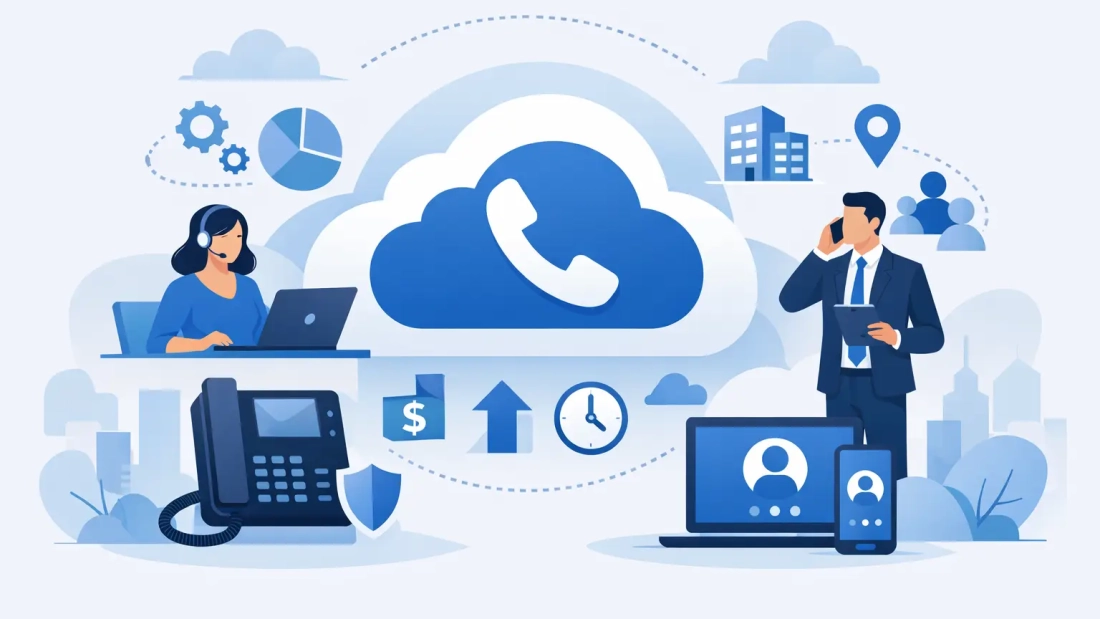
A missed call can mean a missed sale, a delayed service request, or a customer who decides to call a competitor. For businesses that rely on phones to schedule work, support clients, coordinate staff, or close opportunities, cloud phone system benefits go well beyond replacing desk phones. They give teams a more dependable way to communicate when people are working from the office, home, a job site, or another company location.
A cloud phone system, often called hosted PBX or business VoIP, moves call control from an on-site phone server to a provider-managed platform. Your team can still use desk phones, but they can also place and receive business calls through desktop apps, mobile apps, and web browsers. The result is a business number that stays connected to the employee and the business process, rather than to one physical extension in one office.
Cloud Phone System Benefits That Affect Daily Operations
The strongest case for cloud voice is operational. It can reduce friction for employees, make customer calls easier to manage, and give leadership more control without adding a large communications project to the workload.
1. Calls can follow the employee, not the desk
A traditional phone system ties an extension to a physical office. That arrangement becomes a problem when an account manager is visiting a customer, a service coordinator is working remotely, or an office must temporarily close. With cloud voice, a business number can ring a desk phone and an approved mobile or computer app at the same time.
Employees can return calls using the company caller ID instead of their personal cell number. That protects privacy and gives customers a consistent number to recognize. It also helps businesses maintain a professional presence when staff members are spread across Miami-Dade, Broward, Palm Beach County, or multiple states.
2. Customer calls reach the right person faster
A caller should not need to know an employee’s extension to get help. Cloud systems make it easier to configure auto attendants, call queues, business-hour rules, ring groups, and voicemail routing. A new caller can choose sales, billing, support, or a specific department, while calls that arrive after hours can be directed to an answering service, on-call employee, or voicemail box.
This matters most when call volume is unpredictable. A medical office, property management firm, law office, logistics operation, or contractor may receive bursts of calls that one receptionist cannot answer alone. A queue can distribute calls to available staff and give management visibility into abandoned calls or long hold times. Those details help identify staffing issues before they become a customer-service problem.
3. Adding users and locations is simpler
Growth should not require replacing a phone cabinet or waiting for a technician to rewire every extension. Cloud phone systems are generally built to add users, numbers, and devices through an administrative portal. A growing business can provision a new employee, assign an extension, set call permissions, and create a voicemail box without purchasing another on-premises PBX.
This flexibility is valuable for companies opening a second office, supporting seasonal staff, or setting up a temporary operations team. It does not mean every change is automatic. Number porting, call-flow design, and device deployment still require planning. But the underlying system is easier to adapt as the business changes.
4. Lower hardware requirements can improve budgeting
An on-site phone system can require a PBX appliance, specialized cards, server maintenance, software upgrades, and vendor support for aging equipment. Hosted voice shifts much of that infrastructure into the provider’s environment. Businesses still need appropriate phones or headsets, but they can avoid owning and maintaining a large phone server.
Costs become more predictable because service is commonly billed per user or per feature package. That can be especially useful for small and midsize organizations that want enterprise calling features without a major upfront capital expense. The right comparison is not simply monthly service versus an old system that has already been paid for. It is the total cost of maintaining that old system, expanding it, recovering from a failure, and supporting the way employees work now.
5. Business continuity improves during disruptions
South Florida businesses have practical reasons to plan for disruptions, including power issues, building access problems, severe weather, and local outages. If an office cannot receive calls because its phone system is tied to equipment in that building, customers may assume the business is unavailable.
Cloud voice provides options that are difficult to create with a fixed, on-site system. Administrators can redirect main numbers to mobile devices, another office, or an alternate answering group. Employees with internet access can often continue using their business extension from another location. Call recordings, voicemails, and settings remain accessible through the platform rather than being trapped on equipment at an inaccessible site.
Continuity still depends on having a plan. Teams need current emergency contacts, documented call-routing rules, and a way to communicate when internet or power is unavailable. A cloud platform supports the plan; it does not replace it.
6. Managers gain clearer call visibility
Business phones produce useful operational data when the system is configured to capture it. Managers can review call volume by time of day, queue activity, missed or abandoned calls, average answer times, and individual extension activity. This can show whether callers are regularly waiting too long, whether a department needs coverage during lunch, or whether a marketing campaign created more demand than expected.
For customer-facing departments, call recording and voicemail-to-email can also support training and follow-up. These features should be used carefully. Organizations need clear policies for recordings, retention, access, and required customer notifications. For many businesses, the value is not surveillance. It is making sure important customer conversations are not lost and that service standards can be measured.
7. Voice, messaging, and meetings work together
Employees increasingly move between a phone call, a chat message, a video meeting, and a shared document in the same customer interaction. Cloud phone systems can bring calling, team messaging, presence status, and conferencing into a more connected workflow. Staff can see whether a colleague is available, transfer a call with context, or move a conversation to a scheduled meeting when the issue needs more than a quick call.
The benefit is less time spent hunting for people or repeating information. A receptionist can see who is available before transferring a caller. A field employee can receive messages and return calls from the same business identity. A manager can support a distributed team without treating each communication channel as a separate system.
The Network Behind Cloud Voice Matters
Cloud voice is only as dependable as the network carrying it. Voice calls use relatively little bandwidth, but they are sensitive to delay, jitter, packet loss, and congestion. A busy office that is running video meetings, cloud backups, large file transfers, and guest Wi-Fi on an undersized connection may experience choppy audio even when its advertised speed appears sufficient.
For that reason, businesses should evaluate more than download speed. Symmetrical fiber internet can support consistent uploads for voice, conferencing, and cloud applications. Network design, Wi-Fi coverage, quality-of-service settings, managed routers, and dedicated capacity may all affect call quality. Organizations with high call volumes or multiple sites should also ask about uptime commitments, proactive monitoring, and escalation support.
Power is another consideration. A desk phone connected to the network will not work during a power outage unless the network equipment, internet handoff, and phone have backup power. Mobile apps and call-forwarding rules provide useful alternatives, but they should be tested before an emergency.
How to Decide Whether Cloud Voice Fits Your Business
Start with the real moments when your current phone setup creates delays or risk. It may be missed calls during lunch, employees using personal cell numbers, difficult transfers between offices, a receptionist overwhelmed by call volume, or a system that cannot be managed without an outside technician. Those issues point to the features that matter most.
Next, map the call flow before selecting a service. Identify main numbers, departments, after-hours coverage, shared lines, remote users, call queues, fax requirements, and any critical integrations. Some organizations also need support for door entry systems, alarm panels, elevator phones, or older fax equipment. These devices may need adapters, cellular alternatives, or a separate solution, so they should be addressed early rather than discovered after a migration.
A provider should also assess the internet connection and the physical environment. The best cloud phone deployment pairs a clear call design with business-grade connectivity and support that can respond when communication is affected. For South Florida organizations, AWBC approaches voice and fiber as connected parts of the same operational foundation, not as unrelated monthly services.
Before moving every number, test the experience with a small group of users if possible. Confirm mobile app behavior, call transfer steps, audio quality, voicemail delivery, emergency-calling information, and the process for requesting support. A well-planned rollout gives employees a simple playbook and gives the business confidence that customers will continue reaching the right people.
The practical next step is to review one week of missed calls, call transfers, remote-work exceptions, and recurring phone complaints. That evidence will make it much easier to build a cloud voice configuration that solves actual business problems instead of adding features nobody uses.