
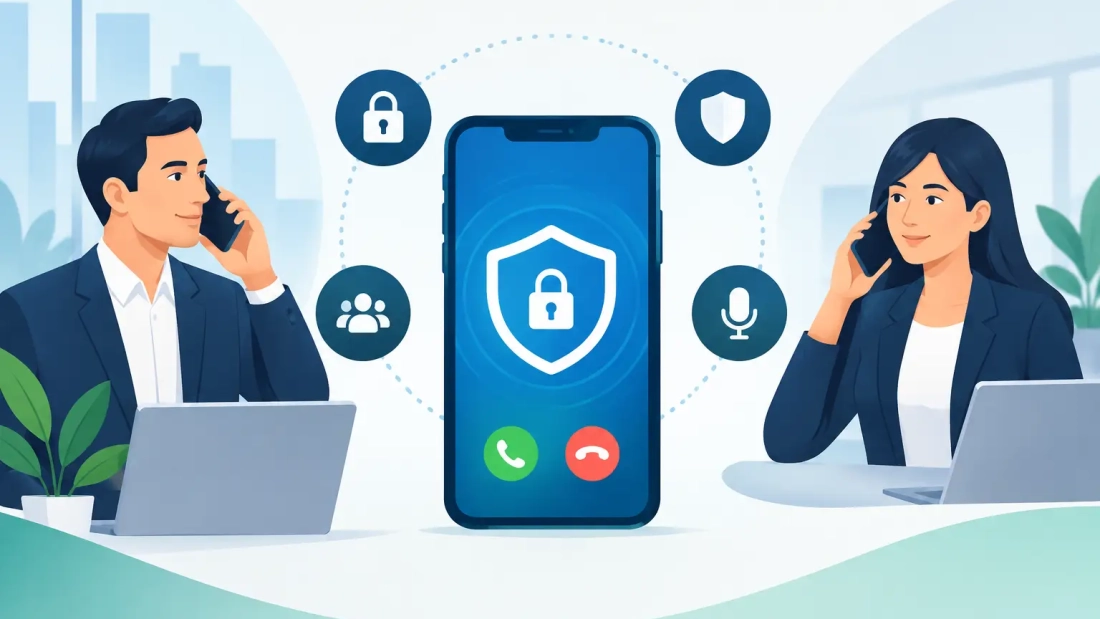
A client calling about a contract change, a manager discussing payroll, and an employee resetting an account are all sharing information that should not be exposed. Encrypted business calling features help protect those conversations while giving teams the flexibility to make and receive calls from desk phones, computers, and mobile devices.
For South Florida businesses, the question is not simply whether a phone system says it is secure. The practical question is whether its security measures fit the way your people work, the networks they use, and the consequences of an interrupted or compromised call. Encryption is one part of a dependable business communications plan. Network performance, access controls, device management, and responsive support matter just as much.
What encrypted calling actually protects
Business calling encryption generally protects two different parts of a call: signaling and media. Signaling is the information used to set up and manage the call, such as the phone numbers involved and registration details. Media is the voice audio itself.
A properly configured hosted voice system commonly uses Transport Layer Security, or TLS, to protect signaling and Secure Real-time Transport Protocol, or SRTP, to encrypt voice media while it travels between supported endpoints and the service platform. In plain terms, this makes it far more difficult for someone monitoring network traffic to read call setup information or listen to the audio.
That distinction matters because “encrypted” is not always a blanket promise. Encryption may apply only while a call is moving between your phone or application and the provider’s platform. Once a call reaches the public telephone network or connects with a party using a different system, the path may not remain encrypted end to end. A reliable provider should explain where encryption applies instead of relying on vague security claims.
The encrypted business calling features worth evaluating
The best phone system is not necessarily the one with the longest feature list. It is the one that protects ordinary business activity without making calls harder to place, manage, or troubleshoot. When comparing encrypted business calling features, focus on these operational capabilities.
Encrypted signaling and voice media
Ask whether the service supports TLS for call signaling and SRTP for voice media. Also ask which phones, softphone applications, and devices support those protocols. An encryption setting is only useful when the endpoints your team uses can support it consistently.
This is especially relevant for organizations with a mix of office desk phones, remote staff, shared workspaces, and mobile users. Standardizing approved devices and applications reduces configuration gaps that can weaken security or create avoidable support issues.
Secure remote calling
Remote and hybrid work should not mean employees rely on personal phone numbers or unapproved consumer apps. A business calling application can give users a work number, business voicemail, call transfer capability, and the same calling identity they use in the office.
Encryption helps protect calls made from home offices, client locations, and other remote settings. Still, it cannot compensate for an unsafe device or an unsecured Wi-Fi network. Organizations should pair secure calling apps with strong device passcodes, current software, multifactor authentication, and clear policies for lost or replaced devices.
Identity and access controls
A phone system should make it clear who can administer users, change call routing, access voicemail, or manage recordings. Role-based permissions allow an office manager to handle routine user changes without giving that person unrestricted administrative access. Larger organizations may need more defined roles for IT, department leaders, and contact center supervisors.
Strong access controls also protect against a common operational problem: unauthorized changes to forwarding rules. If an account is compromised, attackers may redirect calls or use international dialing features for fraud. Alerting, permission limits, and careful account management reduce that risk.
Secure voicemail, recordings, and call data
Voice recordings and voicemail can contain more sensitive information than the conversation itself. If your business records calls for quality assurance, training, compliance, or dispute resolution, ask where recordings are stored, how long they are retained, who can retrieve them, and how access is logged.
The same review should cover call detail records, voicemail-to-email functions, and transcription tools. These features can improve response times and accountability, but they extend the footprint of business communications data. The right configuration depends on your industry, retention requirements, and the type of information employees discuss with customers.
Fraud monitoring and international calling controls
Encryption protects data in transit. It does not by itself prevent account takeover, toll fraud, or unwanted calling activity. Good business calling security includes controls for international dialing, premium destinations, unusual call patterns, and sudden changes to account settings.
A small professional office may choose to block international calling unless a user requests it. A company with overseas vendors may need international access, but should limit it to designated employees and monitor usage. Security should reflect real business needs rather than applying the same restrictions to every user.
Security depends on the network behind the phones
Cloud voice quality and security are closely tied to the network carrying the calls. A congested connection can cause choppy audio, delays, and dropped calls. An unreliable connection can leave employees scrambling for personal cell phones when customers need help most.
Business-grade fiber internet helps provide the consistent capacity that hosted phone systems require, particularly when teams are also using video conferencing, cloud applications, file synchronization, and backups. Symmetrical speeds are valuable because voice traffic and collaboration tools need dependable upload performance as well as download capacity.
Network design also matters. Separating voice traffic from guest Wi-Fi and other high-volume activity can make call quality more predictable. Quality of Service settings can prioritize voice packets when the connection is busy. For larger sites, managed network equipment and proactive monitoring can help identify problems before they become a full communication outage.
For companies that cannot afford missed calls, business continuity should be part of the conversation. That may include mobile applications for failover calling, backup connectivity, call forwarding plans, and clear procedures for employees during an outage. Encryption is more valuable when your team can continue communicating safely under less-than-ideal conditions.
Questions to ask before choosing a provider
A provider should be able to answer security questions in practical terms, not just point to a generic statement. Ask whether TLS and SRTP are supported, which devices are compatible, and whether encryption is enabled by default or requires configuration.
Also ask how administrators are authenticated, how permissions are assigned, and what controls exist for call recordings, voicemail, and international dialing. If your organization has compliance obligations, request a direct discussion of your requirements rather than assuming a standard phone package will address them.
Finally, consider support. A feature is not useful if employees cannot use it or if a configuration issue takes days to resolve. Local businesses often benefit from a provider that can assess the existing network, recommend an appropriate voice setup, and provide accountable service when phones are central to customer operations.
Build a phone system your team can trust
Security should not force employees into workarounds. When business calling is easy to use across locations and devices, people are more likely to use approved tools and keep customer communications in the right system.
For many South Florida organizations, the practical goal is straightforward: clear calls, controlled access, protected conversations, and a network that holds up when business gets busy. AWBC can help evaluate whether your current connectivity and cloud voice setup support that goal, then recommend a configuration built around how your team actually works.