
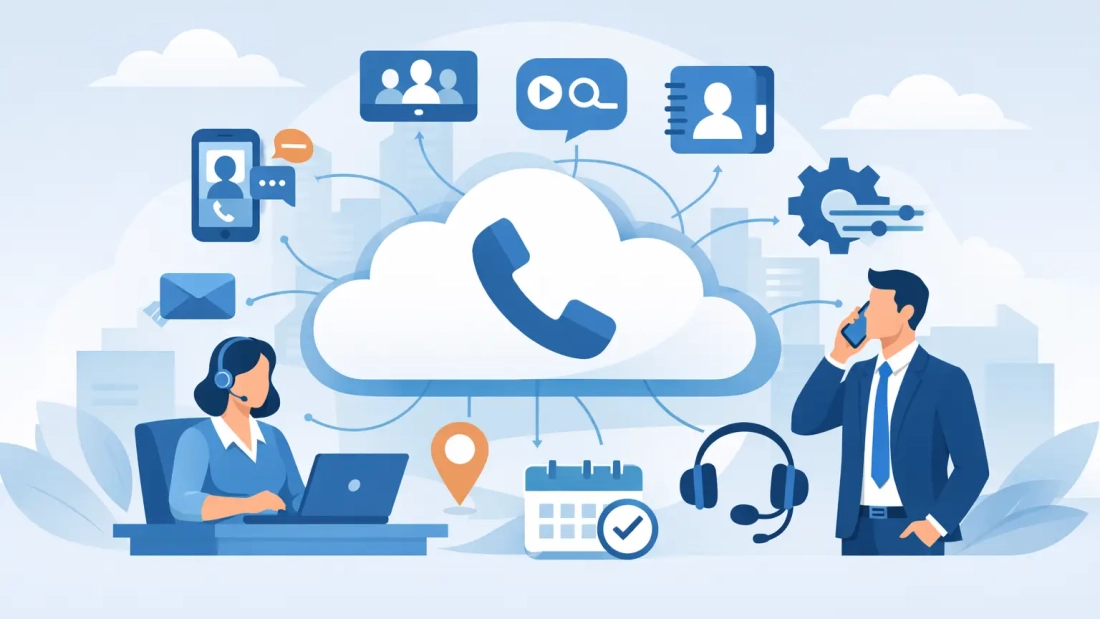
A customer calls your main number while your receptionist is helping someone at the front desk. A sales representative is leaving a client meeting. Your operations manager is working from another location. The best cloud phone features keep that call from becoming a missed opportunity. They give your business a reliable way to route, answer, document, and follow up on communications without tying the team to one desk or one device.
For South Florida organizations, cloud voice is more than a replacement for older phone hardware. It is a practical operating tool for offices with hybrid staff, multiple locations, customer-facing teams, and changing hours. The right feature set should make daily work easier while supporting business continuity when an office loses power, a provider has an outage, or weather disrupts normal operations.
What the Best Cloud Phone Features Should Deliver
Feature lists can be misleading when every option sounds useful. The priority is not choosing the system with the longest catalog. It is choosing capabilities that match how calls move through your business, who needs to answer them, and what happens when the usual workflow is interrupted.
Start with call handling, mobility, visibility, and dependability. Then consider integrations and advanced automation if they solve a clear operational issue. A small professional office may need a polished auto attendant and mobile calling more than a complex contact center dashboard. A larger organization with multiple departments may need detailed reporting, call queues, and role-based administration from day one.
Auto Attendants Create a Professional First Response
An auto attendant answers incoming calls with a recorded greeting and directs callers to the right department, extension, or menu option. It gives customers an immediate response even when the front desk is busy, after normal business hours, or when staff are working remotely.
This feature is especially valuable for businesses that receive calls for sales, service, billing, scheduling, or multiple locations. Instead of relying on one person to transfer every call, callers can select the destination themselves. The result is faster routing and fewer calls landing in the wrong place.
Keep the menu short. A long series of options frustrates callers and can make a business sound difficult to reach. Most organizations need a clear greeting, two to five department choices, and an option to reach an operator or leave a message.
Call Queues Prevent Calls From Falling Through the Cracks
When several callers need the same department, call queues place them in an organized line until an available team member can answer. The queue can ring users in a set order, ring everyone at once, or distribute calls more evenly across the team.
For a service department, medical office, property management company, or busy sales team, this is one of the most useful cloud phone capabilities. It replaces the uncertainty of a phone ringing at one desk while everyone else assumes someone has it covered. Queue announcements can also set expectations by sharing estimated wait information, business hours, or a callback option.
The trade-off is staffing. A queue cannot solve an understaffed department on its own. What it can do is expose call volume, wait times, and abandoned calls so managers can make better scheduling decisions.
Mobile and Desktop Apps Keep Teams Reachable
A cloud phone system should let employees make and receive business calls from their mobile phones, computers, and desk phones using the same business identity. Customers see the company number, not an employee’s personal cell number. Staff can remain responsive while protecting privacy and keeping records in the right place.
This matters for field teams, executives, hybrid employees, and anyone who works between office locations. It also gives businesses a practical continuity option. If an office cannot be occupied, calls can still be handled from another location as long as employees have an internet connection or cellular service.
Set clear policies around availability, voicemail, and after-hours routing. Mobility should improve response times, not create an expectation that every employee is on call at all hours.
Call Forwarding and Failover Support Business Continuity
Basic call forwarding is useful. Intelligent failover is more important. A well-designed cloud phone configuration can redirect calls to mobile devices, another office, a backup number, or a different team when the primary destination is unavailable.
South Florida businesses should consider this feature part of their continuity planning. A local disruption should not automatically mean customers hear a busy signal or assume the company is closed. Ask how the system handles internet interruptions, power issues, device failures, and location-based outages. The answer depends on the phone platform, network design, and the backup plan behind it.
For the strongest result, pair cloud voice with dependable business connectivity and a documented procedure for changing call routing during an incident. AWBC helps commercial customers approach voice and connectivity as parts of the same operational plan.
Voicemail-to-Email and Transcription Speed Up Follow-Up
Voicemail-to-email sends message notifications to an employee’s inbox, usually with an audio attachment and, in many systems, a transcription. It reduces the chance that messages sit unheard on a desk phone and makes it easier for teams to respond while away from the office.
Transcriptions are convenient, but they are not perfect. Names, account numbers, technical terms, and background noise can cause errors. Employees should still listen to the recording before acting on details that affect pricing, appointments, payments, or customer commitments.
For many businesses, the real benefit is accountability. A voicemail becomes visible in the same workspace where employees manage other communications, making follow-up less dependent on someone remembering to check a handset.
Call Analytics Show Where Service Breaks Down
Cloud phone analytics turn call activity into operational information. Useful reports may include total inbound calls, answer rates, missed calls, abandonment rates, queue wait times, call duration, and activity by department or user.
These metrics can answer practical questions. Are calls being missed during lunch? Does the sales queue need another person during peak hours? Are customers repeatedly transferring between departments? Is a particular branch receiving more service calls than expected?
Reporting should be easy to access and understandable by the people responsible for staffing and customer experience. Advanced analytics are not useful if only a technical specialist can interpret them. Before selecting a system, ask to see the reporting interface and identify the three or four measures your business will review consistently.
CRM and Business App Integrations Reduce Manual Work
Integrations can connect the phone system to customer relationship management platforms, help desks, scheduling tools, and collaboration applications. Depending on the platform, an incoming call may display the caller’s customer record, log the interaction automatically, or let employees click to call from within an application.
This can save time for high-volume teams and improve context during customer conversations. It is not always necessary for every business. If your staff handles a modest number of calls and relies on a straightforward workflow, a complicated integration may add cost and administrative work without meaningful value.
Confirm that an integration supports the specific edition of the software you use and understand what data is shared. Security, user permissions, and retention policies deserve the same attention as convenience.
Administration Controls Keep Changes From Becoming Delays
Phone systems change as businesses change. New hires need extensions. Departments move. Hours shift for holidays. A manager needs to update a greeting or adjust queue coverage. A cloud platform should make routine administration manageable without requiring a service call for every minor update.
Look for web-based controls, role-based permissions, and a clear way to manage users, numbers, call flows, and devices. The best setup balances self-service with support. Your office manager may be able to update a holiday message, while more involved routing changes or network questions should have a knowledgeable support path.
How to Choose Features for Your Business
Map the journey of an incoming customer call before comparing providers. Note where calls enter, which teams answer them, where transfers occur, what happens after hours, and what should happen if the office is unavailable. This process usually reveals more than a generic feature checklist.
Then test the provider’s approach to call quality and support. Cloud calling depends on the network carrying voice traffic. For businesses with frequent video meetings, cloud applications, large transfers, and active phone lines, internet capacity and stability directly affect the experience. Symmetrical business fiber, managed network design, and responsive support may matter more than an extra feature you rarely use.
Also ask about pricing details. Confirm what is included for users, desk phones, mobile apps, local and toll-free numbers, implementation, training, and support. A lower monthly price can become less attractive if essential call handling or reporting features require multiple add-ons.
The right cloud phone system should make your business easier to reach on an ordinary Tuesday and easier to operate when conditions are anything but ordinary. Build around the calls your customers make most often, give your team clear tools to answer them, and leave room for the business to grow without rebuilding its communications from scratch.