
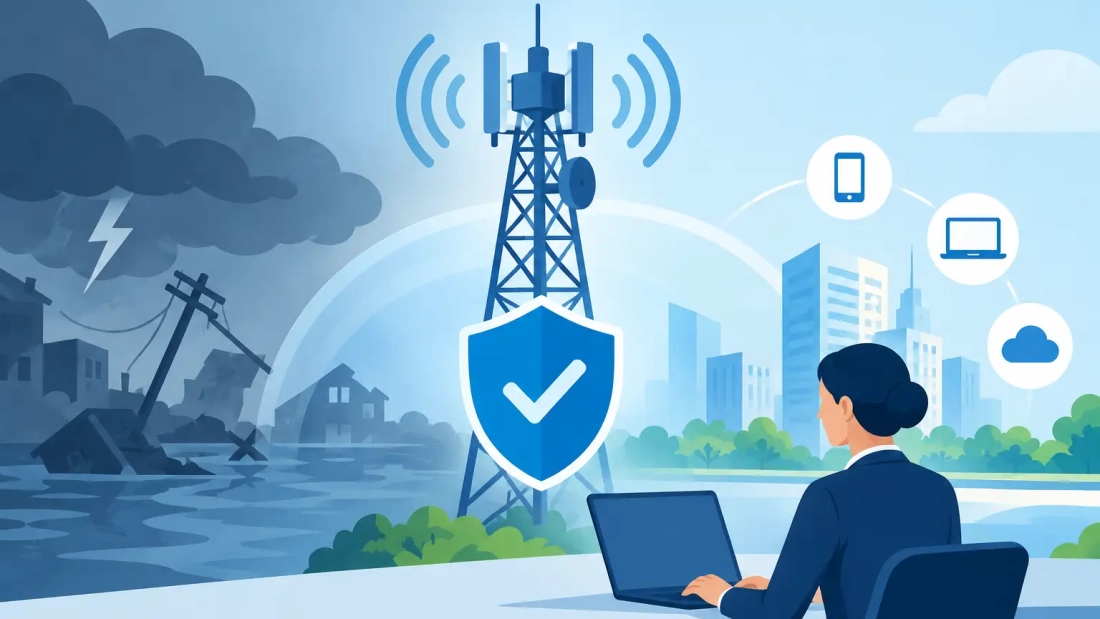
A storm can knock out power before the first customer calls. A construction crew can cut a fiber line during a normal workday. A carrier issue can leave an office with internet service that appears connected but cannot reach cloud applications. In each case, a telecom disaster recovery guide gives your business a defined way to keep communicating, serving customers, and making decisions while primary systems are unavailable.
For South Florida businesses, continuity planning is not a document to file away for hurricane season. It is an operating requirement. Internet access supports payment systems, cloud software, video meetings, security tools, file sharing, backups, and customer communications. Voice service is equally critical when staff need to coordinate remotely or customers need a reliable way to reach the business.
The goal is not to eliminate every interruption. It is to reduce the length and business impact of an interruption by preparing alternate paths, clear responsibilities, and realistic procedures.
Telecom Disaster Recovery Guide: Start With Business Impact
A useful recovery plan begins with the work that cannot stop, not with a list of network equipment. Identify the functions that create the greatest immediate risk when communications fail. For a medical office, that may be patient scheduling and secure communications. For a law firm, it may be access to case files and client calls. For a logistics company, dispatch, tracking, and warehouse connectivity may come first.
Ask department leaders what happens after 15 minutes, four hours, and one business day without internet or phones. The answers establish recovery priorities and expose dependencies that are easy to miss. A team may have mobile phones, for example, but still be unable to process orders because its payment terminal, cloud-based CRM, or VPN requires a stable data connection.
Set realistic recovery objectives for each essential function. Some services may need to return within minutes, while others can wait until the next business day. This distinction helps you invest where downtime is most expensive instead of applying the same level of redundancy to every system.
Map the dependencies behind each service
Document how each critical function connects to the outside world. Include the primary internet circuit, firewall, switches, Wi-Fi, cloud applications, hosted phone platform, power source, and any on-site equipment. Record account numbers, support contacts, circuit details, administrator credentials, and escalation procedures in a secure location that authorized staff can access off-site.
This map should also show single points of failure. A second internet connection offers limited protection if both services enter the building through the same damaged conduit or rely on the same power equipment. Similarly, a cloud phone system can keep calling active during an office closure, but only if employees know how to use its mobile and desktop applications.
Build Connectivity That Can Fail Over
A primary fiber connection is the foundation for organizations that depend on cloud applications, conferencing, large transfers, and hosted voice. Symmetrical speeds matter when your staff sends as much data as it receives, whether that means uploading backups, sharing large files, or running video calls from multiple locations.
Disaster recovery requires a separate backup path. The right option depends on your location, bandwidth needs, critical applications, and budget. A secondary wired circuit may provide the strongest option when it uses a different provider and physically diverse route. Fixed wireless or business-grade cellular can be a practical backup where a second wired service is unavailable or too costly.
Automatic failover is usually preferable to a manual process. A properly configured firewall can detect a primary circuit failure and redirect traffic to the backup connection. However, automatic failover is not the same as unlimited capacity. A cellular backup may keep email, payments, and essential cloud access working, but it may not support every employee on high-definition video meetings. Define which applications take priority during backup mode and apply traffic rules accordingly.
Test the actual failover process, including how long it takes. Some applications may maintain existing sessions poorly when the public IP address changes. Remote access, payment platforms, and vendor portals may require configuration adjustments before they work reliably on a secondary connection.
Keep Business Calls Available Beyond the Office
Traditional phone systems tied to on-site hardware can leave a business difficult to reach when the building is inaccessible. Hosted PBX and VoIP platforms provide more flexibility because calls can be answered through desk phones, mobile apps, desktop applications, or approved remote locations.
Your recovery plan should state what happens to each main number during an outage. Reception calls may be routed to a backup team, ring multiple employees, or follow a temporary schedule. Sales calls might be directed to a mobile group, while support calls go to a designated queue with an updated message. These decisions should be made before an emergency, not while employees are trying to coordinate by text.
Make sure your phone configuration includes current users, call queues, voicemail routing, after-hours rules, and emergency calling addresses. If staff move temporarily to another location, confirm that they understand how to place emergency calls and that location information is updated where required.
A cloud voice platform still relies on an internet connection for full functionality. That is why voice continuity and internet redundancy must be planned together. Mobile applications provide another layer of flexibility, but they should not be the only backup for a call-heavy organization with weak cellular coverage at its office or alternate site.
Plan for Power, Premises, and People
Telecom recovery often fails for reasons outside the telecom network. An internet circuit may be active while the modem, firewall, switches, and Wi-Fi access points have no power. Put essential network equipment on properly sized battery backup units, and calculate runtime based on actual load rather than the number printed on the box.
For longer outages, evaluate generator power for the network closet, workstations needed for critical roles, and any systems required to serve customers. Battery backup bridges short interruptions. It does not replace a generator plan when a storm-related outage lasts for hours or days.
Decide where employees will work if the office is closed. An alternate site, a remote-work arrangement, or a split-team model can each work, but they require preparation. Staff need secure device access, multi-factor authentication, access to business applications, and a clear way to contact customers and one another.
Create a short communications procedure that names who declares an outage, who contacts providers, who updates employees, and who communicates with customers. Keep messages practical: what is affected, what is still operating, what employees should do next, and when the next update will be issued. Silence creates confusion, especially when a disruption affects both phones and email.
Write a Runbook People Can Use Under Pressure
A recovery plan should not read like a technical manual that only one person understands. Build a concise runbook for the first hour of an incident. Include the steps for confirming the outage, checking power and on-site equipment, activating or verifying failover, contacting providers, rerouting calls, and notifying internal stakeholders.
Use a separate technical appendix for network diagrams, configuration details, vendor contacts, circuit IDs, and recovery credentials. Restrict access appropriately, but ensure more than one authorized person can retrieve the information. A plan that depends on a single IT administrator is another single point of failure.
The runbook should distinguish between a local problem and a wider service interruption. If one office loses connectivity, staff may be able to work from another location. If a regional event affects multiple sites or carriers, conserving backup bandwidth and setting customer expectations may become more important than restoring normal operations immediately.
Test the Plan Before an Outage Tests It for You
A recovery plan is only credible after it has been tested. At least twice a year, schedule a controlled exercise that disconnects the primary circuit or simulates a site closure. Confirm that failover works, critical applications remain usable, phone calls route as expected, and the right people receive notifications.
After each test, record what failed or caused delay. Common findings include expired contact lists, employees who cannot access remote tools, backup circuits with insufficient capacity, and call-routing rules that no longer match the organization. Update the plan immediately rather than waiting for the next scheduled review.
For businesses with multiple locations, test each site independently. A configuration that works at headquarters may not work at a branch with different equipment, coverage, or staffing. AWBC helps South Florida organizations evaluate fiber, hosted voice, and backup connectivity around the operational requirements of each location.
The best time to make a recovery decision is when the office is calm and systems are working. Choose the services your business must preserve, assign ownership, test the alternate path, and give your team a simple procedure they can follow when every minute counts.