
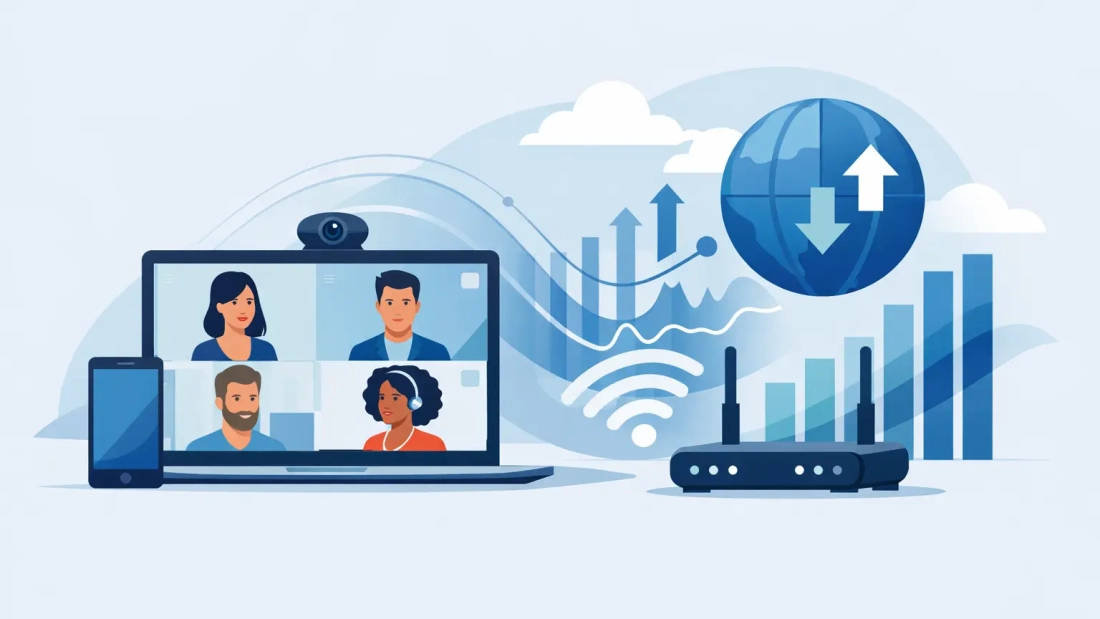
A video call usually fails before anyone says, “Can you hear me now?” It starts with frozen faces, delayed audio, and that awkward moment when your team is talking over each other because the connection cannot keep up. For businesses that rely on remote meetings, client presentations, and multi-location collaboration, understanding video conferencing bandwidth requirements is not a technical side issue. It is part of day-to-day productivity.
The challenge is that there is no single number that fits every office. A five-person firm with occasional calls has different needs than a law office running back-to-back client meetings or a healthcare group balancing video visits, cloud apps, and VoIP phones at the same time. The right bandwidth depends on call quality, number of participants, how many users are active at once, and whether your internet service delivers equal upload and download performance.
What video conferencing bandwidth requirements actually mean
When businesses talk about internet speed, they often focus on download speed. That matters, but for video meetings, upload speed matters just as much. Your team is not just receiving video and audio. They are sending it constantly.
That is why video conferencing bandwidth requirements should always be evaluated in both directions. If your office has strong download capacity but limited upload speed, calls can still become unstable. This is especially common on connections built more for residential use than business operations.
For a one-on-one standard definition call, many platforms can work with less than 1 Mbps up and down. For HD meetings, the requirement typically moves closer to 1.5 to 3 Mbps per user, per stream, in both upload and download. If your team uses 1080p video, screen sharing, and larger group meetings, the real demand can climb higher.
That per-user number is where many businesses underestimate their needs. If 10 employees are in separate video calls at the same time, you are not planning for one meeting. You are planning for 10 simultaneous real-time sessions, plus everything else happening on the network.
The most common business bandwidth ranges
Most mainstream conferencing platforms publish their own recommended speed ranges, but the business takeaway is fairly simple. Low-quality or compressed calls may function around 0.5 to 1 Mbps per user. Standard HD usually works better around 1.5 to 3 Mbps per user. Higher-quality group video, gallery views, screen sharing, and webinar-style sessions can push usage toward 4 Mbps or more per user in either direction.
That does not mean every user is always consuming the maximum amount. Video traffic fluctuates based on resolution, participant count, motion in the image, and whether cameras are on. Still, planning around best-case minimums is risky. Business networks should be sized for normal busy periods, not quiet moments.
A practical example helps. If 20 employees may be on video calls during peak hours and each needs about 2 Mbps upload and 2 Mbps download for stable HD performance, that is already 40 Mbps up and 40 Mbps down dedicated to conferencing alone. Add VoIP, file syncing, CRM access, backups, guest Wi-Fi, and general cloud traffic, and a 100 Mbps connection can feel much smaller than it sounds.
Why upload speed causes so many meeting problems
In office environments, upload speed is often the hidden bottleneck. Many connections offer far less upload than download, which creates problems during video conferencing because every participant is transmitting live audio, camera video, and sometimes shared content.
This is one reason symmetrical fiber is so valuable for business use. When upload and download speeds match, your network is better equipped for modern work patterns that depend on cloud communication. If your staff spends hours in Zoom, Teams, or Google Meet, symmetrical service is not a luxury. It is often the difference between stable meetings and recurring frustration.
Latency and jitter matter too. Even if bandwidth looks adequate on paper, poor call quality can still show up when the connection has inconsistent packet delivery or delay. That is why a fast connection alone is not enough. The consistency of the service matters just as much.
How to estimate your office needs
The easiest way to size bandwidth for conferencing is to start with concurrency. Ask how many people are likely to be on video calls at the same time during your busiest hour, not how many employees you have in total.
Then estimate call quality. If most calls are internal check-ins with camera use, 1.5 to 2 Mbps per active user may be enough. If your business regularly handles client-facing presentations, training sessions, recruiting interviews, or conference-room meetings with screen sharing, you should leave more room, often 3 Mbps or more per active user.
From there, add non-conferencing traffic. This is where real planning happens. Businesses rarely use internet service for just one application. A team on video calls is also sending emails, using Microsoft 365 or Google Workspace, accessing cloud files, running phones, updating software, and syncing backups. Those workloads compete for bandwidth unless the connection is sized correctly and the network is managed well.
A safe rule is to treat video conferencing as a major traffic category, then build in overhead for everything else. If your estimate says 50 Mbps is needed for meetings during peak usage, your business connection should be comfortably above that, not sitting right on the edge.
Video conferencing bandwidth requirements by business type
A small office with five to 10 users may do well with a lower-tier business fiber plan if only a few people are in meetings at once. The key is that the service should still provide dependable upload capacity, not just an attractive download number.
A professional services firm such as a legal, accounting, or consulting office often needs more headroom than expected because calls are client-facing and frequent. The cost of poor quality is not just annoyance. It affects trust and professionalism.
A larger office or multi-department location usually needs a more deliberate approach. Conference rooms, executive meetings, hybrid staff, and cloud platforms all stack on top of each other. In these environments, dedicated bandwidth, traffic prioritization, and service-level support become more relevant.
Temporary venues and live events are another category entirely. If multiple presenters, exhibitors, or attendees are relying on video traffic at the same time, the connection has to be engineered around event conditions, not guessed based on standard office usage.
Why Wi-Fi can distort the real problem
Not every video issue is caused by the internet circuit. Sometimes the connection into the building is fine, but the internal network is struggling. Weak Wi-Fi coverage, overloaded access points, poor router placement, and older hardware can all make conferencing look like a bandwidth issue when it is really a local network issue.
That matters because some businesses keep upgrading internet speed without fixing the bottleneck inside the office. If calls are unstable in one conference room but fine elsewhere, the problem may be wireless design, not insufficient service from the provider.
A proper assessment should look at both. Bandwidth planning and local network performance work together. One cannot fully compensate for the other.
When more bandwidth is worth paying for
There is always a balance between budget and performance. Not every business needs enterprise-grade dedicated internet access. But if video conferencing is central to how you sell, support clients, manage teams, or serve remote locations, internet reliability should be treated as operational infrastructure.
That is especially true for companies where downtime has a direct cost. Missed meetings, dropped calls, and poor presentation quality create more than inconvenience. They slow decisions, affect customer perception, and waste payroll hours across the team.
For South Florida businesses comparing options, it is worth looking beyond headline speed. Ask whether the service is symmetrical, whether there is unlimited usage, what support looks like when issues happen, and whether the provider understands business traffic patterns. A local partner like AWBC can help match service levels to actual workload instead of overselling or undersizing the connection.
A better way to think about capacity
The goal is not to buy the biggest pipe available. It is to create enough headroom that your busiest business moments still run cleanly. Video conferencing puts steady, real-time pressure on a network, and unlike casual web browsing, it does not tolerate congestion very well.
If your office depends on meetings that need to look and sound professional, plan for active users, upload demand, and peak-hour overlap. That approach is usually more accurate than chasing a single advertised speed number.
The best bandwidth decision is the one that keeps your team focused on the meeting instead of the connection.