
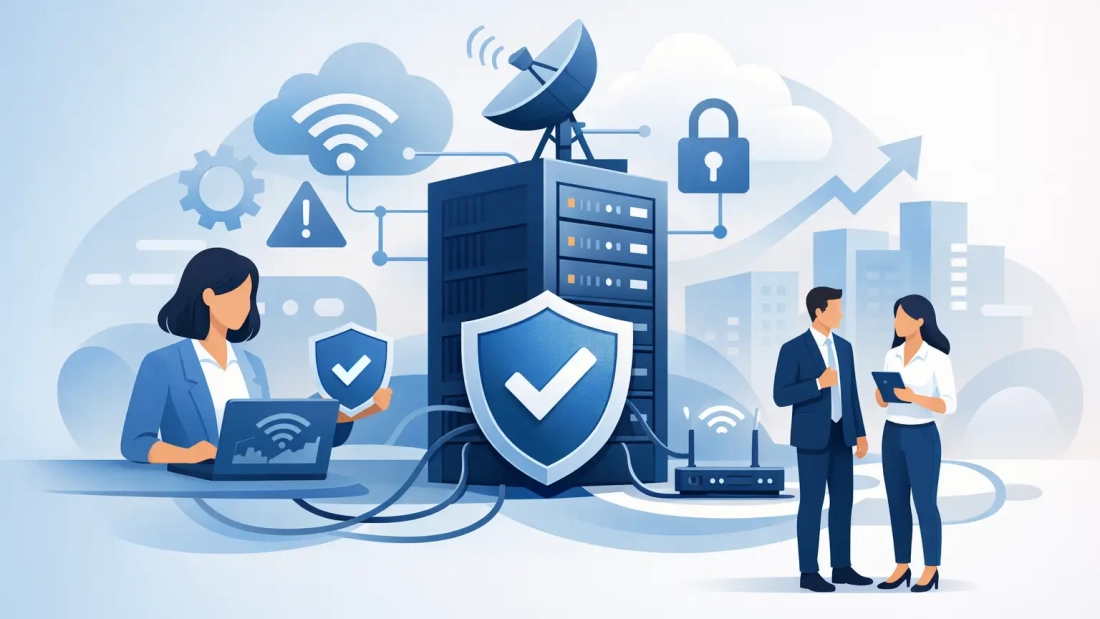
A frozen video call with a key client is rarely just an IT inconvenience. It can delay approvals, stop point-of-sale transactions, interrupt cloud-based phone service, and leave employees unable to access the applications they need to work. Learning how to prevent internet downtime starts with treating connectivity as a business-critical utility, not a basic monthly expense.
For South Florida businesses, the risk can be higher than many teams expect. Fiber cuts, construction activity, power interruptions, severe weather, equipment failures, and overloaded networks can all affect service. The right approach is not to assume an outage will never happen. It is to build a connection strategy that limits the chances of an interruption and gives your team a clear path forward when one occurs.
Start With the Real Cost of an Outage
Before choosing a solution, identify what happens when your internet goes down for 15 minutes, two hours, or a full business day. The answer looks different for every organization.
A professional services firm may lose access to cloud documents, client portals, and video meetings. A medical office may be unable to reach scheduling platforms or process patient information. A retailer may not be able to process card payments. A construction company may lose communication between the field and the office. For companies using hosted PBX or VoIP, an internet disruption can also affect how customers reach the business.
This assessment helps determine the level of protection you actually need. A small office that can work temporarily from mobile hotspots may need a different plan than a multi-location company supporting hundreds of cloud users. The goal is to match the design to operational risk, not simply buy the fastest advertised speed.
How to Prevent Internet Downtime With Redundancy
The most effective way to reduce downtime is to avoid depending on a single connection. Redundancy means having a secondary path available when the primary internet service is unavailable or performing poorly.
For many businesses, the preferred setup is a primary business fiber connection paired with a backup connection from a separate provider or through a different network path. If the main circuit fails, a properly configured router or SD-WAN appliance can automatically move traffic to the backup. Employees may notice a brief interruption, but essential services can remain available.
The details matter. Two circuits from the same provider may still share local infrastructure, building entry points, or upstream routes. That can be acceptable in some cases, but it does not protect against every failure. Ask whether the primary and backup services use separate carriers, diverse physical paths, and separate points of entry into your building.
A wireless backup, such as 5G or LTE, can be a practical option for smaller offices and temporary locations. It is often quick to deploy and can keep email, cloud applications, and basic communications running. However, wireless service can be affected by local congestion, signal quality, data limits, and weather conditions. It is a valuable backup, but it may not replace dedicated fiber for high-volume work, large file transfers, or a busy call center.
For organizations with higher uptime requirements, dedicated internet access with a defined service-level commitment provides more predictability than a shared consumer-grade connection. Symmetrical bandwidth is especially useful when teams upload large files, run cloud backups, host video calls, or use cloud-based voice systems.
Protect the Power Behind Your Connection
An internet circuit can be working perfectly while your office is offline because the modem, firewall, switch, or Wi-Fi equipment has lost power. This is one of the most preventable causes of a local connectivity outage.
Place critical network equipment on an uninterruptible power supply, commonly called a UPS. A UPS provides short-term battery power during an outage and helps protect equipment from power fluctuations. It should support the internet handoff device, router or firewall, core switch, Wi-Fi access points, and any equipment required for your phone system.
Battery runtime should be planned around your business needs. Ten minutes may be enough for a brief interruption or an orderly shutdown. If your office needs to operate through longer power events, pair UPS equipment with a properly designed generator plan. Test both systems. Batteries degrade over time, and a generator that has not been maintained may not start when it is needed most.
South Florida businesses should also consider where network equipment is installed. Avoid placing critical gear in areas vulnerable to water intrusion, excessive heat, or accidental disconnection. Label power cords and network cables clearly so office changes do not create an avoidable outage.
Separate Critical Traffic From Everyday Traffic
Not all internet traffic has the same business value. A software update, employee streaming, guest Wi-Fi use, and a customer video call should not compete equally for bandwidth.
A business-grade firewall and managed network configuration can prioritize critical applications. Quality of service settings help give voice, video conferencing, payment processing, and other time-sensitive traffic priority when the connection is busy. Network segmentation can also place guest devices, security cameras, and employee devices on separate networks, reducing the chance that one issue affects everything else.
This does not mean every office needs an overly complex network. It means the network should reflect how your organization works. A small law firm may need reliable video calls and secure cloud file access. A warehouse may need dependable Wi-Fi coverage for scanners and inventory systems. An event venue may need temporary high-capacity service isolated from its internal business network.
If performance problems only occur at certain times, review bandwidth usage before assuming the provider is at fault. A scheduled cloud backup, security camera upload, or large software deployment can consume capacity and make normal work feel slow. Usage visibility gives IT teams the information needed to adjust schedules, add bandwidth, or apply traffic policies.
Monitor Your Connection Before Users Report a Problem
Waiting for employees to say that “the internet is down” is not a reliable monitoring strategy. By that point, the outage may already be affecting customers and revenue.
Proactive monitoring tracks the availability and performance of your connection, network equipment, and critical applications. It can identify packet loss, high latency, failing hardware, and unusual bandwidth spikes before they become widespread disruptions. Automated alerts let your IT team or service provider investigate quickly rather than troubleshoot from scratch after a complaint.
Monitoring is particularly valuable for distributed businesses. A headquarters may have reliable service while a branch office struggles with intermittent wireless failover or a failing switch. Central visibility makes it easier to see whether the problem is at one location, within the local network, or upstream with the carrier.
When evaluating internet providers, ask what support model is available during an outage. Business connectivity is not only about speed. It is also about escalation procedures, response expectations, local service knowledge, and access to people who can help isolate the problem. AWBC works with South Florida businesses to align fiber connectivity, backup options, and voice services with the way their teams operate.
Keep Equipment Current and Documented
A surprising number of outages begin inside the office. Aging firewalls, overloaded switches, outdated firmware, poor Wi-Fi placement, and undocumented cabling can create failures that appear to be an internet problem.
Review network equipment on a schedule. Check warranty status, firmware updates, capacity limits, and error logs. Replace hardware before it becomes a point of failure, especially equipment that supports the entire office. For a larger environment, consider spare critical hardware or a managed equipment plan that shortens replacement time.
Documentation is equally practical. Maintain a current record of provider account details, circuit IDs, public IP information, network diagrams, Wi-Fi settings, equipment locations, and support contacts. Store it where authorized staff can access it if the primary network is unavailable.
Your outage procedure should also state who makes decisions. Identify who contacts the provider, who communicates with employees, and who informs customers if a customer-facing system is affected. A concise procedure prevents five people from opening separate tickets while no one handles the actual operational response.
Test Your Failover Plan
A backup connection that has never been tested is an assumption, not a continuity plan. Schedule controlled tests at least once or twice a year, and after significant network changes.
During a test, disconnect or disable the primary connection and confirm that traffic moves to the backup service. Check the applications that matter most: cloud platforms, VoIP calls, payment terminals, VPN access, remote desktop tools, and customer-facing systems. Record how long failover takes and whether any services require special configuration.
Testing may reveal trade-offs. For example, a wireless backup may support communications but not large cloud backups. A VoIP system may need failover rules to route calls to mobile devices or another office. These are useful findings because they allow the business to set realistic expectations before an emergency.
Build a Plan That Fits Your Business
There is no single answer to preventing every internet outage. A one-location office may need business fiber, a cellular backup, battery protection, and clear support contacts. A larger enterprise may need diverse dedicated circuits, automatic failover, managed firewalls, proactive monitoring, and tested recovery procedures across multiple sites.
The most useful next step is to identify the one interruption your business cannot afford, then design your connectivity around protecting that workflow. When internet service supports your operations by design, an outage becomes a manageable event instead of a day that brings the business to a halt.